Network Doctor documentation
Find exactly where your connection breaks. Network Doctor is a cross-platform network troubleshooting TUI that turns interface, DNS, TCP, TLS, HTTP, proxy, and path-MTU checks into one plain-English diagnosis.
Instead of handing you a wall of ping, dig, and curl output, it answers
the useful question: is the problem on my network, along the path, or at the
service?
Start here
-
I have a network problem
Getting Started installs it and explains the screen. Understanding Your Diagnosis turns a verdict into a next action. Troubleshooting and FAQ covers the rows that behave surprisingly.
-
I want to know how it decides
How Network Doctor Works explains why the probe branches are independent and why no verdict depends on ICMP. The exact probe table, flags, JSON schema, and exit codes are in the reference.
-
I want to play Challenge Mode
Challenge Mode hides a real fault in a throwaway virtual network and scores you against Network Doctor on the same one. Simulator Overview explains what
netdoc-simbuilds. -
I want to contribute
Architecture covers the package boundaries and the probes → evidence → diagnosis flow. Development and Contributing covers the clone, the build, and the validation gate.
Common symptoms
- DNS resolves but nothing loads: the path is unavailable
- The path works but the far end does not answer
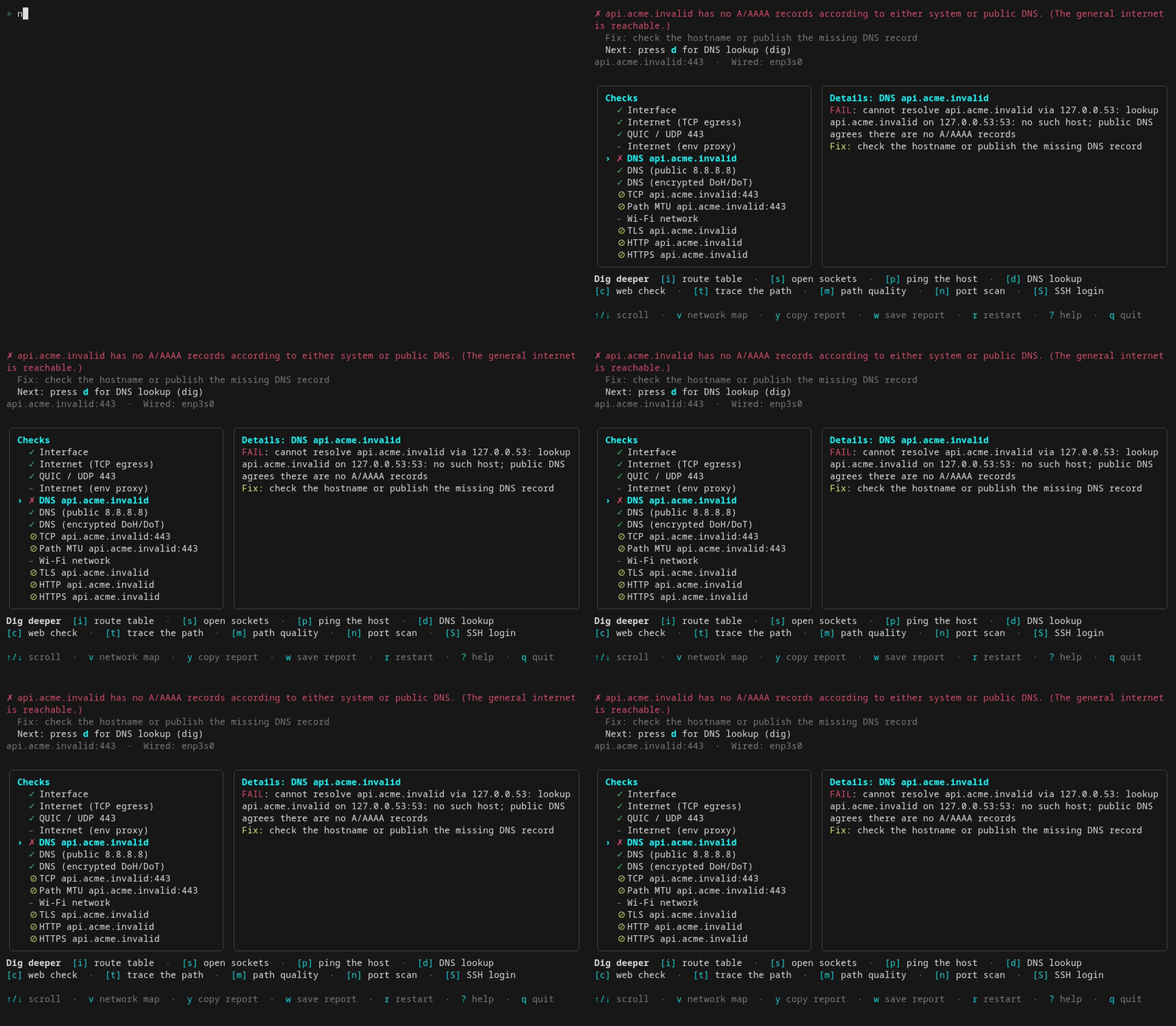
- A name did not resolve at all
- Telling “my network” and “their service” apart, worked through
- The Path MTU row warned: what to actually do
- How path MTU is measured without root
pingworks but Network Doctor says the network is broken, or the reverse- A row says WARN: is that a failure?
- A row says N/A instead of failing
- The QUIC row fails but everything else works
- Encrypted DNS fails but
digworks fine - TLS failure causes, from expired certificates to hostname mismatch
- A port that refuses versus one that is filtered
Where the documentation lives
This site publishes both halves of Network Doctor’s documentation. The
explanatory half is written in the
GitHub wiki and the exact
reference half lives in
docs/ beside the
code, so each page changes in the same place it always did; see
Documentation Map for what is
authoritative where.